
Sungila
Estimates that get signed. Invoices that get paid.
Sungila takes a job from the first walkthrough to the final payment: write the estimate on site, send a link the customer signs from their phone, collect the deposit, and bill the rest when the work is done.
On the web today. The iPad and iPhone app is coming to the App Store.
What it does
Everything between the handshake and the paid invoice.
Estimates customers sign online
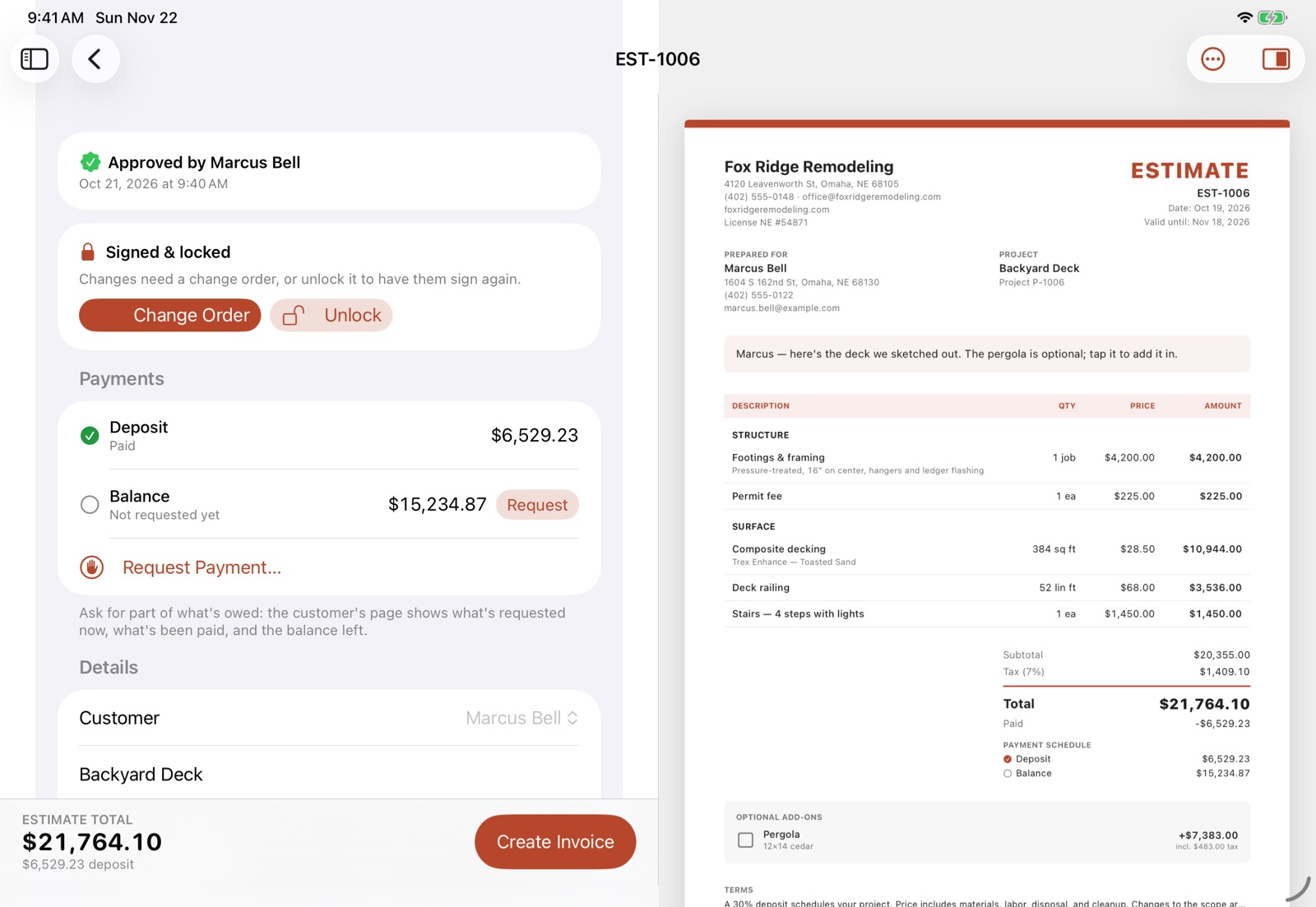
Line items, sections, optional add-ons the customer can tick, and a link they approve with an e-signature. Each signature keeps an audit trail and locks the estimate.
Payment schedules and requests
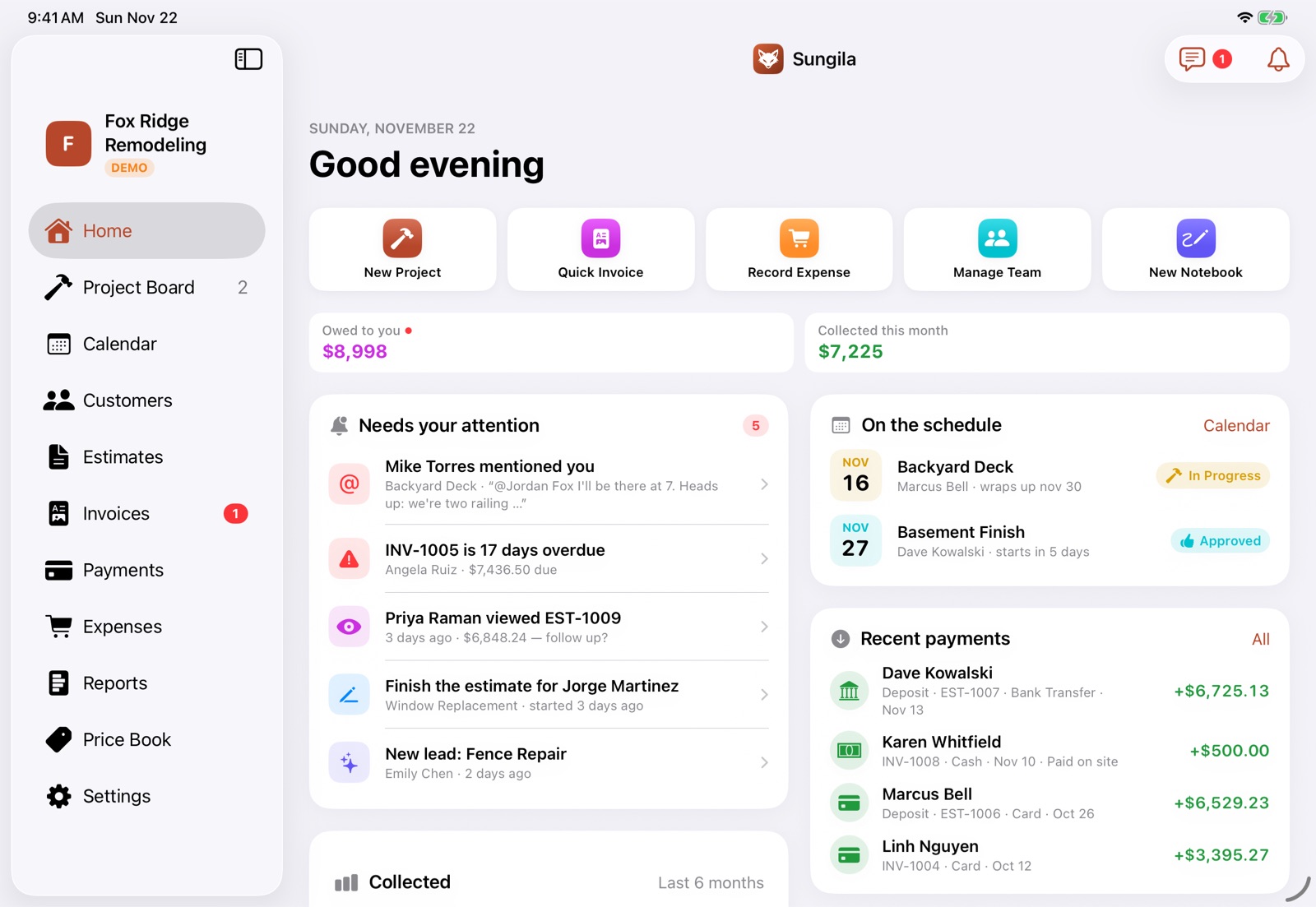
Agree on phases up front, then request each one when it's reached. Or ask for any amount, any time. Customers see what's due now and what's left.
Change orders and allowances
Added work becomes a change order the customer signs, and it lands on the final invoice. Allowances for finishes reconcile up or down when the selections are in.
Invoices that know what's paid
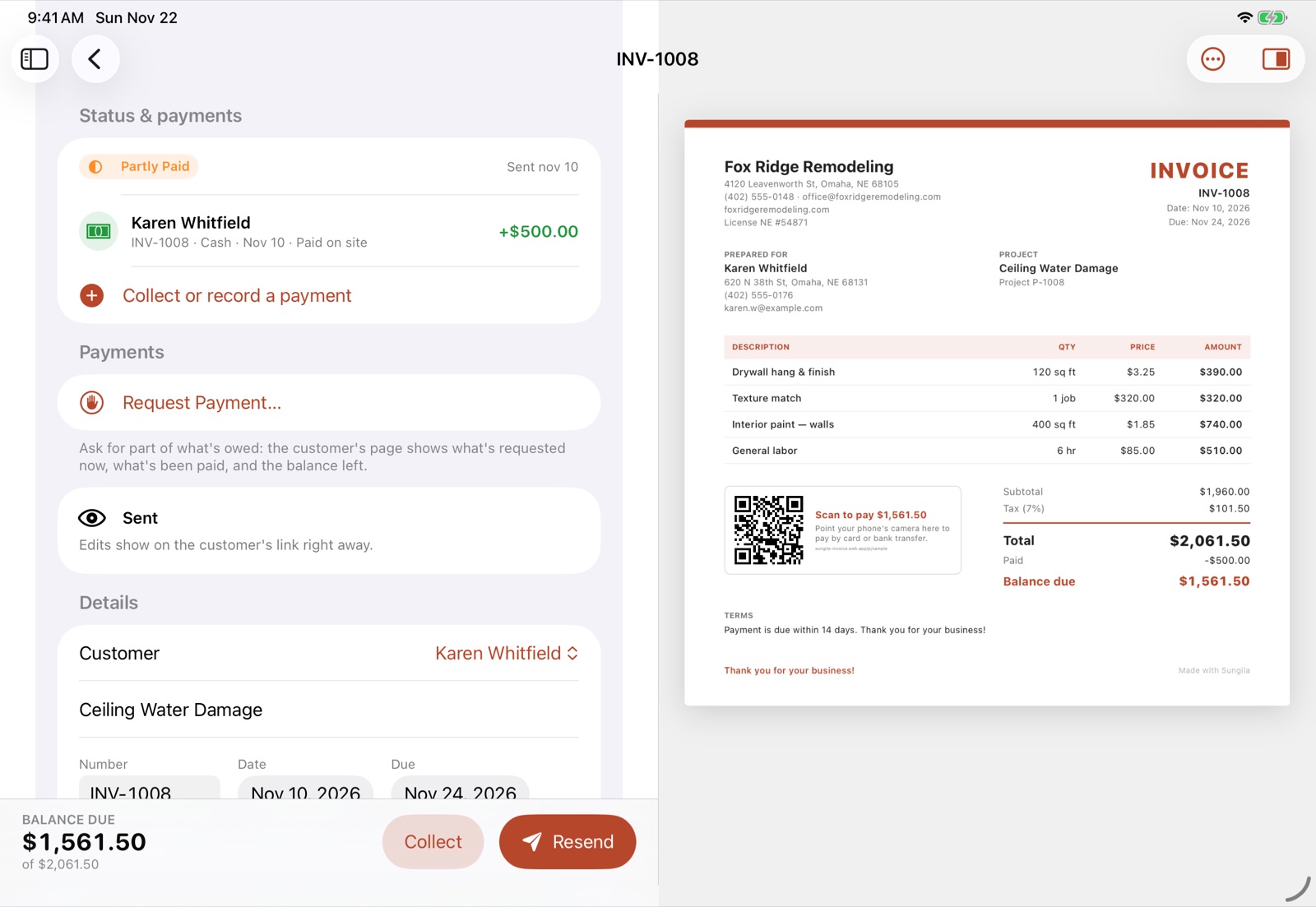
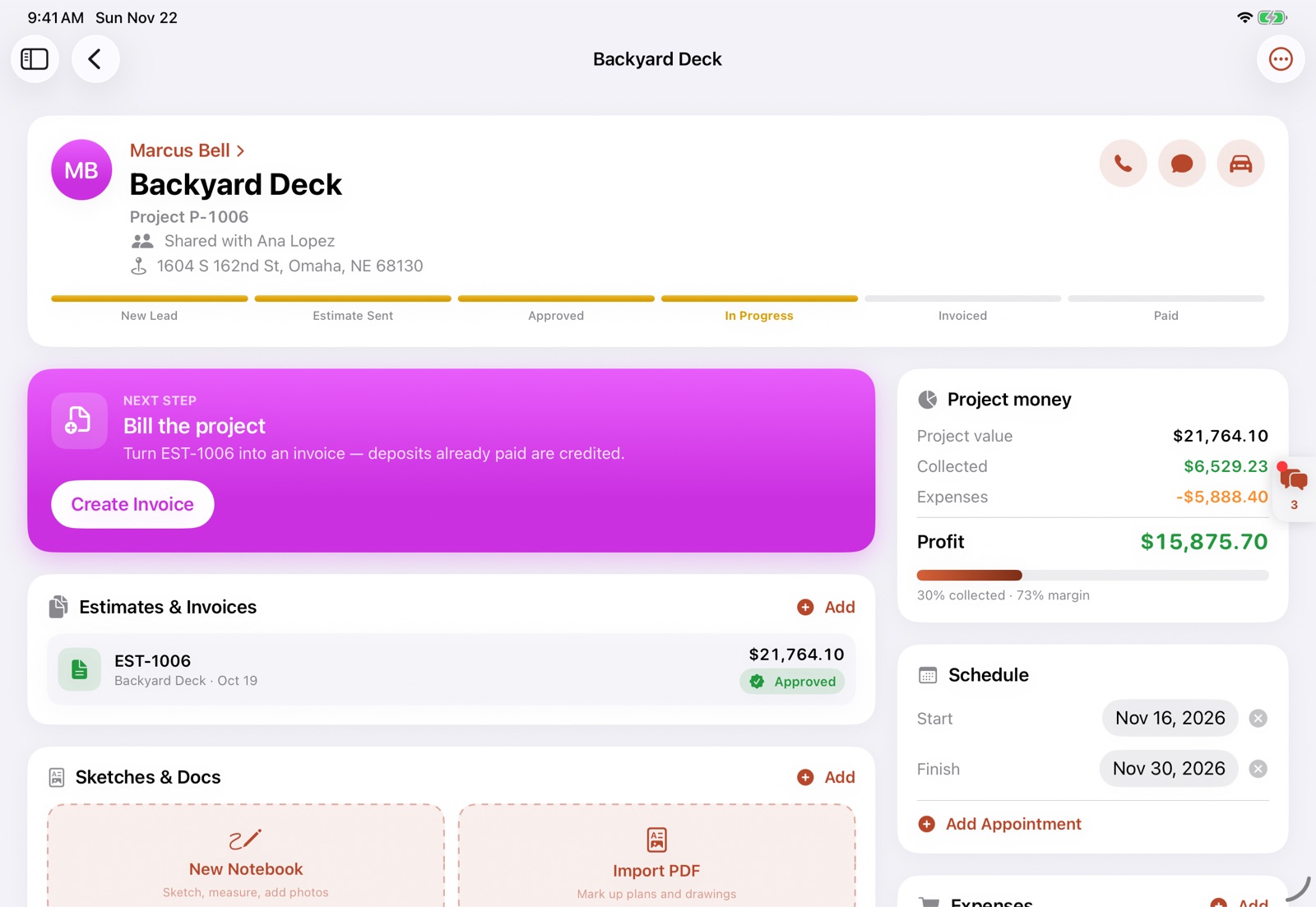
Turn a signed estimate into an invoice in one tap. Deposits and payments are credited, and partial payments, refunds and overdue reminders are handled for you.
Get paid online
Connect your own Stripe account and customers pay by card, Apple Pay or bank transfer from their link. You can pass the card fee on or build it into your prices.
A board for every project
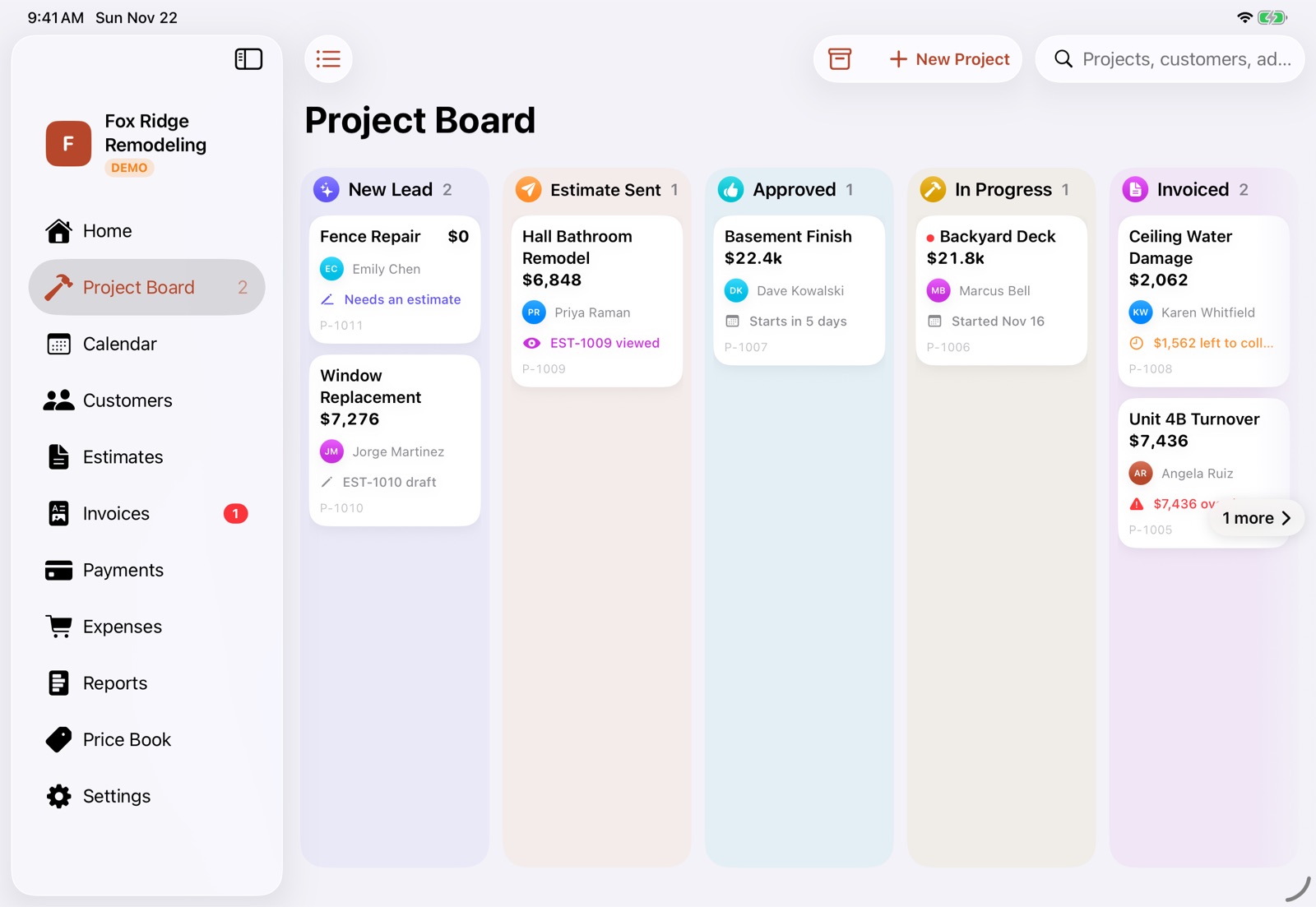
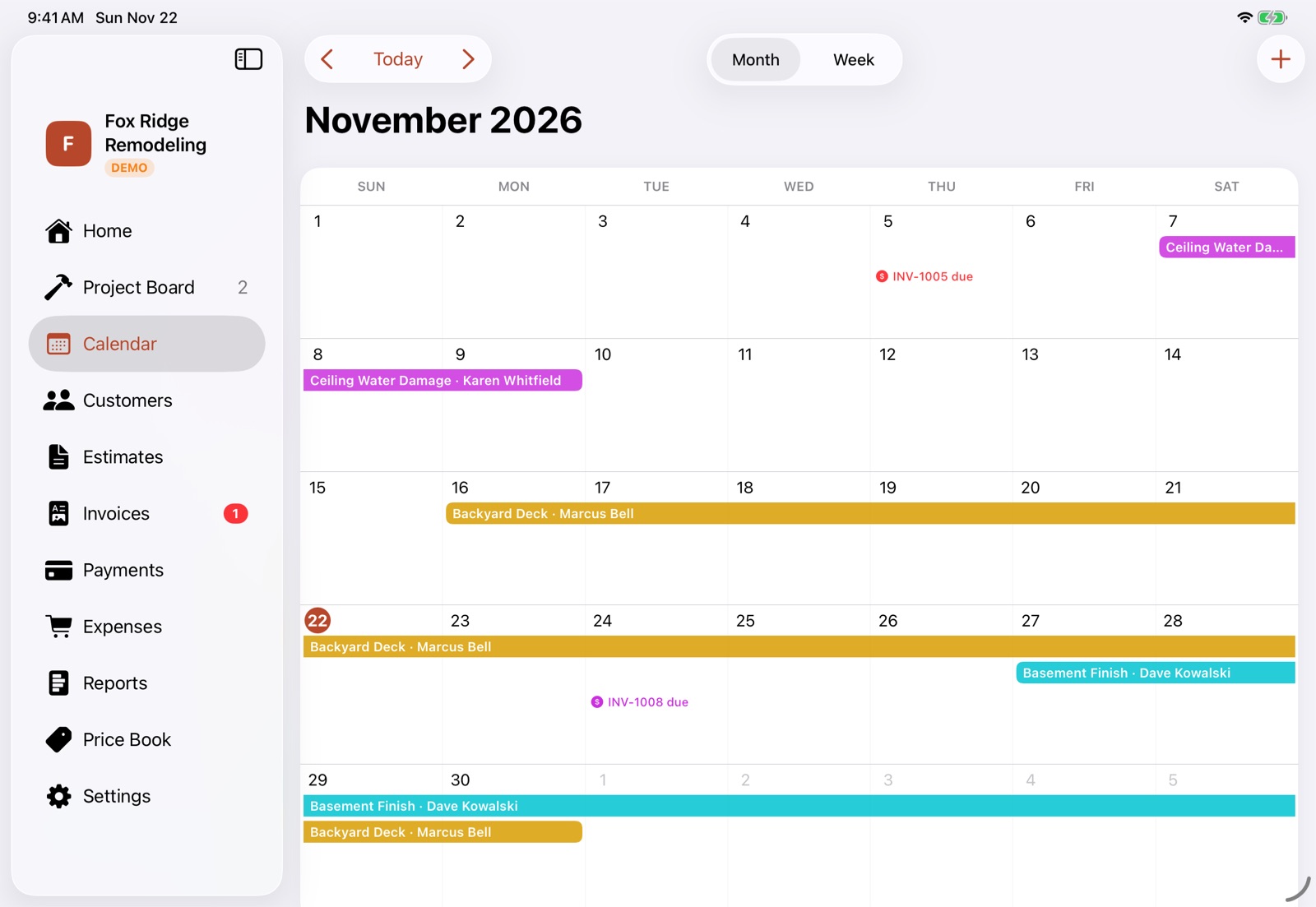
See every job from new lead to paid, with what needs your attention first. Each project keeps its photos, sketches, notes, schedule and expenses together.
Team notes
A conversation on every project with photos, voice notes, reactions and pinned details like gate codes. Teammates only see the projects you share with them.
Sketches and notebooks
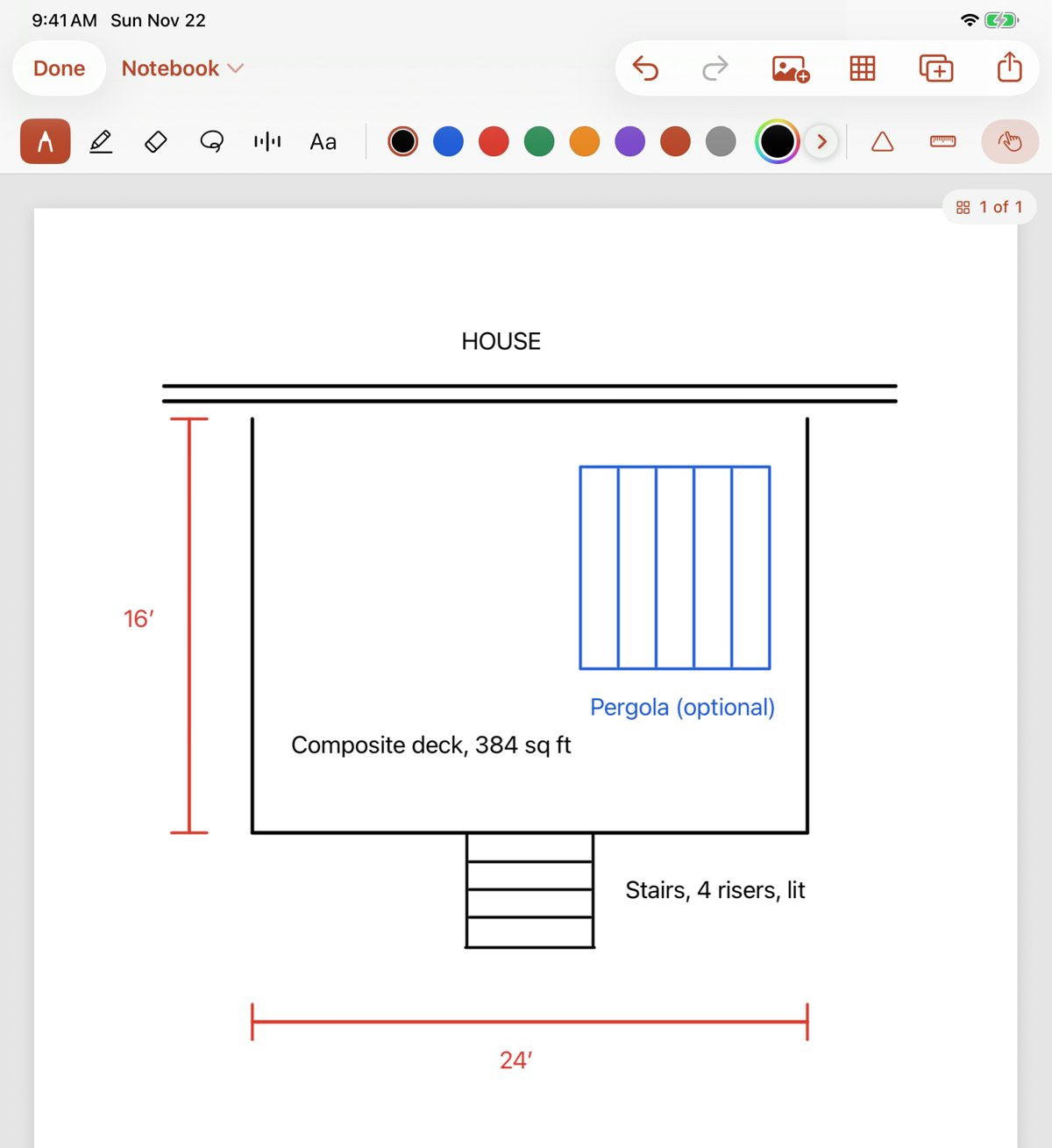
Measure and sketch on the iPad, mark up plans and PDFs, and include pages with the estimate so the customer sees exactly what they're getting.
Reports for tax time
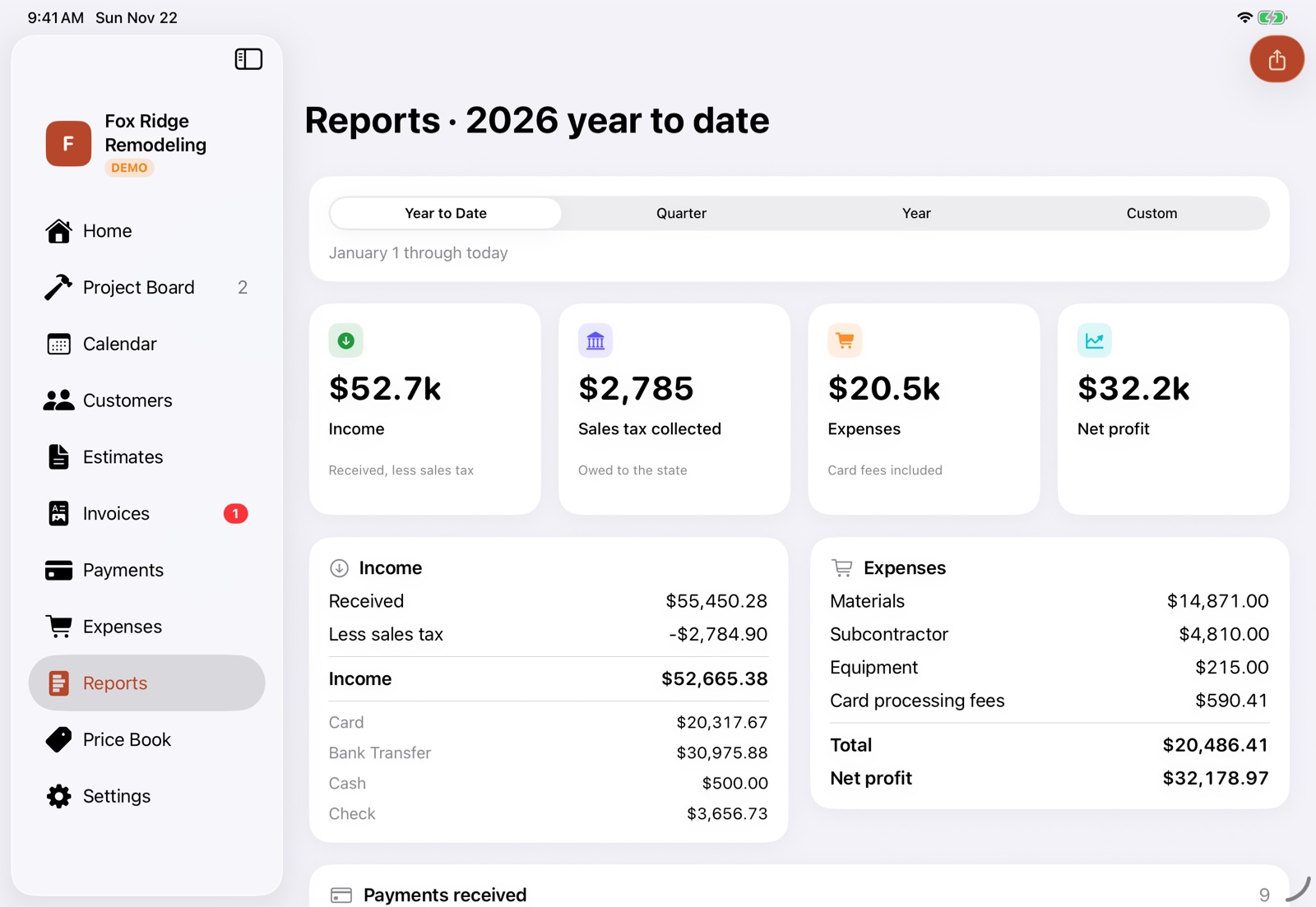
Income, sales tax, expenses and profit for any period, with receipt scanning, refunds handled correctly, and exports for your accountant or QuickBooks.
Sketches & notebooks
Draw it on site. Send it with the estimate.
Sketch the layout with Apple Pencil, add measurements and notes, mark up plans and PDFs, and drop in photos. Every page lives with the project, and you can include it with the estimate so the customer sees exactly what they're signing.
A look inside
Pricing
One plan, everything included.
Start with a 14-day free trial. A card is needed to start, and you won't be charged until the trial ends.
Monthly
$24.99 / month
- Every feature
- You plus one teammate
- Cancel any time
Yearly
$249 / year
- Every feature
- You plus one teammate
- Two months free
Extra teammates
$4.99 / month each
- or $49.99 per year on a yearly plan
- Choose what each teammate can see
If a plan ends, your business becomes view-only: you can still see, print and export everything, and nothing is deleted. Payment processing fees for customer payments are charged by Stripe to your own account.